Skip to content
Shop by Vehicle
Shop by Vehicle
Acura / Honda
BMW
Dodge / RAM / JEEP / MOPAR
Ford / Lincoln
GM / Chevrolet / Cadillac / Buick / GMC
Hyundai / Kia
Lexus
Mazda
Nissan / Infiniti
Subaru
Toyota
VW / Audi / Porsche
Vehicle not listed? Contact us!
Shop by Product
Shop by Product
PRO: Parking Mode Dash Cam Adapter
CLASSIC: Ignition-on Dash Cam Adapter
COMPACT: Ignition-on Dash Cam Adapter with no exposed wires
Universal Dash Cam Adapters
Dash Cams & Accessories
Support
Support
Contact
FAQs
Guides
Affiliate Program
About Us
Log in
Facebook
Instagram
YouTube
Shop by Vehicle
Acura / Honda
BMW
Dodge / RAM / JEEP / MOPAR
Ford / Lincoln
GM / Chevrolet / Cadillac / Buick / GMC
Hyundai / Kia
Lexus
Mazda
Nissan / Infiniti
Subaru
Toyota
VW / Audi / Porsche
Vehicle not listed? Contact us!
Shop by Product
PRO: Parking Mode Dash Cam Adapter
CLASSIC: Ignition-on Dash Cam Adapter
COMPACT: Ignition-on Dash Cam Adapter with no exposed wires
Universal Dash Cam Adapters
Dash Cams & Accessories
Support
Contact
FAQs
Guides
Affiliate Program
About Us
Search
Log in
Cart
Item added to your cart
View cart
Check out
Continue shopping
2022 Toyota Tundra Installation
Items Needed:
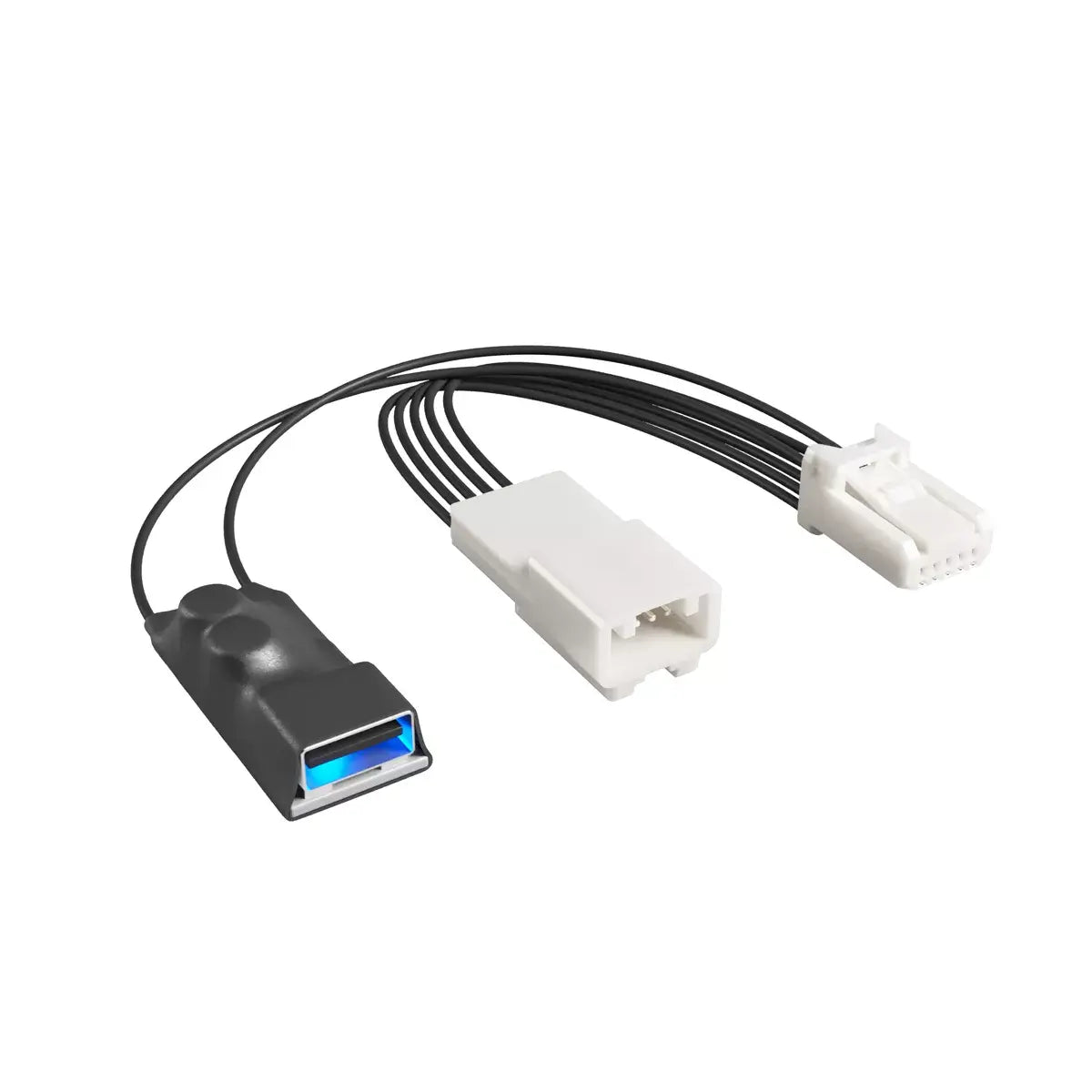
Dongar Technologies 5-Pin Type A Dash Cam Power Adapter
USB-powered dash cam
INSTRUCTIONS:
Tilt the mirror down and to the side for better access to the plastic shroud.
Remove the plastic shroud to access the roof connector on the vehicle using a pry tool. The panel is held in place by a few snap-fit joints.
Locate the 5-pin connector in the cavity above.
Install the 5-pin Type A Dongar dash cam adapter designed specifically for Toyota Tundra vehicles.
Route the USB power cable through the front of the plastic shroud and re-install the plastic panel.
Finally, attach the USB powered dash cam to the Dongar adapter - Installation complete!
Installation Examples:
Choosing a selection results in a full page refresh.
Opens in a new window.